1Create an event
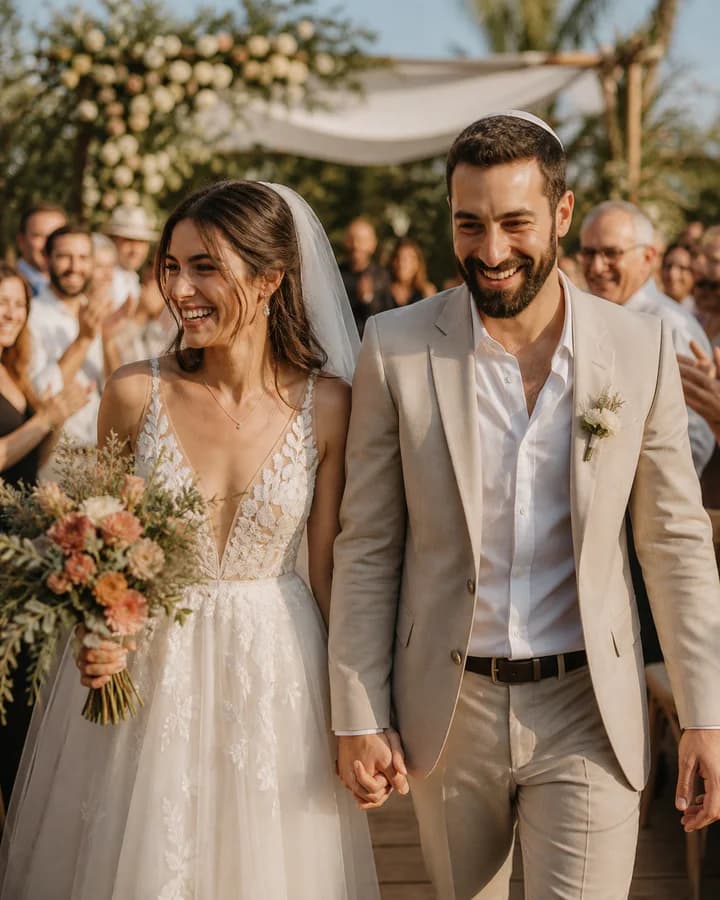
Set up your event right here on the website.
One shared camera for your guests.
Every angle, in one private album.
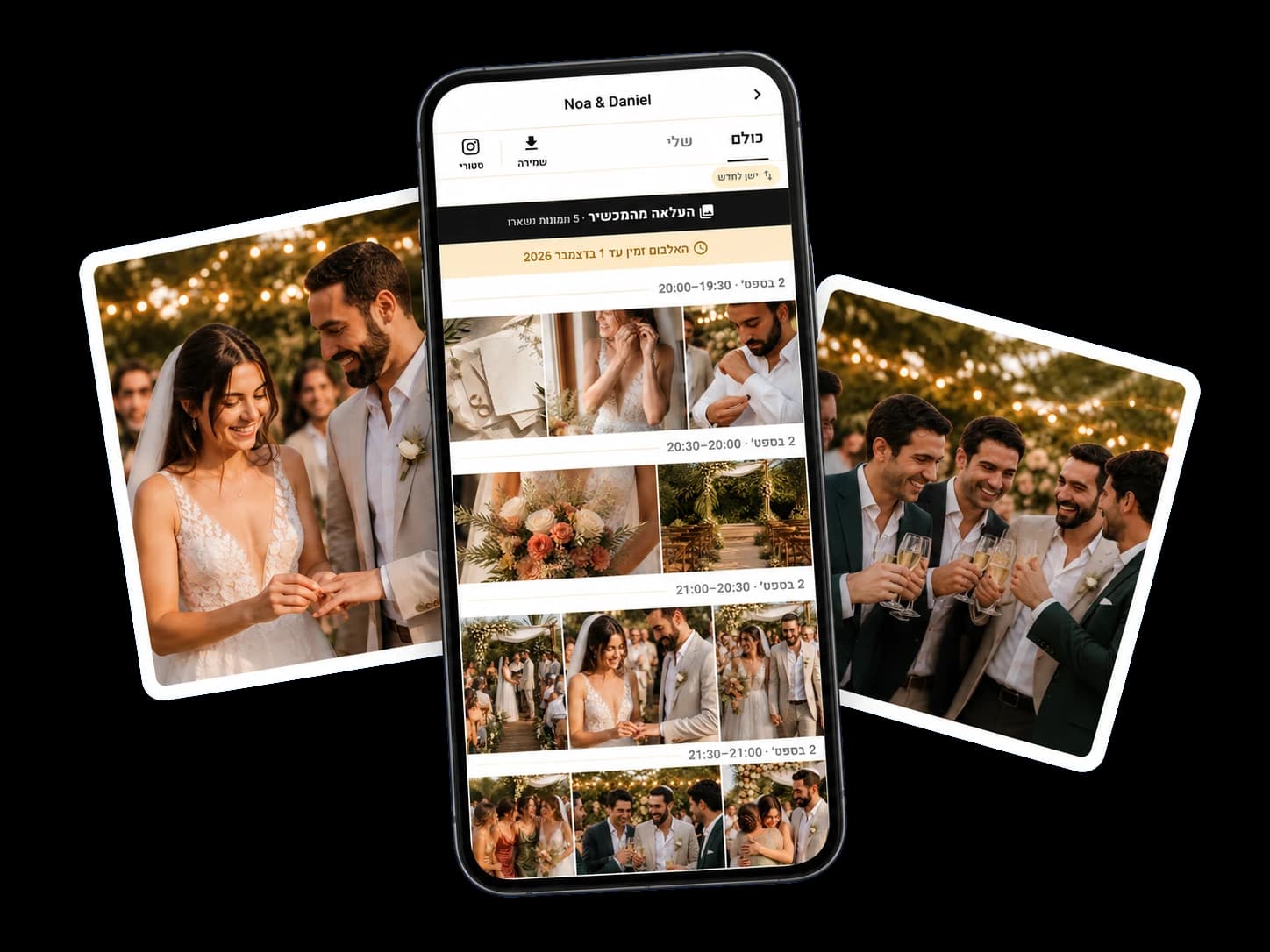
Set up your event right here on the website.
 Noa & Daniel
 Scan and join
Guests join in and start capturing.
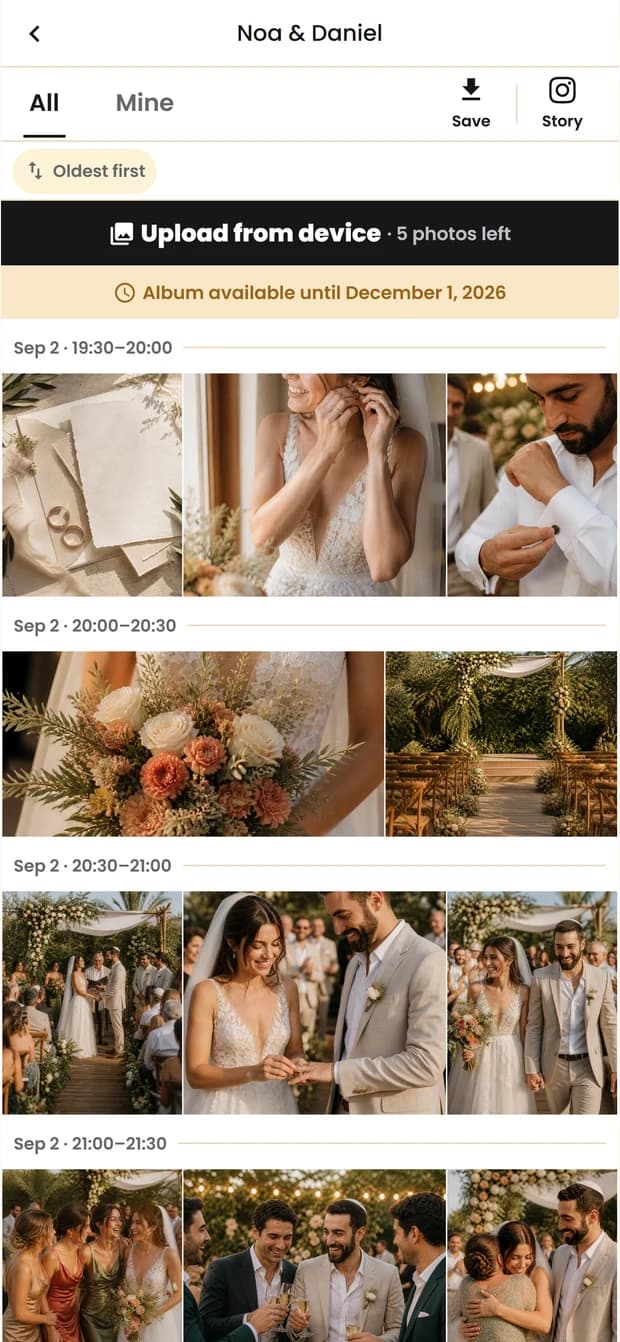
Everyone’s moments, together in one place.
Guests can capture and add camera-roll photos in the iPhone app or directly in their browser — whichever they prefer.
Hosts share an event code or QR. Guests enter the code, confirm the event details, and start capturing within the photo allowance set for the event.
The album is intended for hosts and guests who received access to the event. Hosts control permissions, and event albums are not presented as public galleries.
Your album is available for 90 days after the event ends. Download the photos during that time to keep the memories with you.